IT asset inventory: what isn’t recorded can’t be protected

What isn’t in the inventory doesn’t get updated, backed up, recovered when someone leaves, or billed when a client uses it. Eight practices for an IT inventory that stays up to date.
It’s no accident that the CIS cybersecurity controls start there: control 1 is the inventory of devices and control 2, the inventory of software. What isn’t recorded doesn’t get updated, backed up, recovered when someone leaves, or billed when a client uses it. In an IT firm, the inventory isn’t just in-house, either: there’s equipment on client sites, licenses in a project’s name and consumables that run out on the very day of an installation.
1. Decide what counts as an asset
Start with the types, not the list: hardware (laptops, servers, field devices), licenses and subscriptions (Microsoft 365, development tools, cloud) and consumables bought by quantity. Each type needs different data: hardware has a serial number, a license has a renewal date and seats, a consumable has stock.
2. A unique identifier, stuck to the device
A stable code of your own —for example NOD-LAP-003: company, type, sequence number— is worth more than the manufacturer’s serial number, which isn’t always visible. Put it on a physical label and use it everywhere: in the ticket, in the handover record, on the client’s invoice.
3. Every asset has an owner and a location
“It’s at the office” isn’t a location. Record where it is (office, data center, client site) and who is responsible for it. When someone leaves the team, the list of what’s assigned to them is the list of what needs to be recovered; without it, offboarding depends on someone’s memory.
4. Link each asset to the project that uses it
The lab server for a migration, the cloud subscription for the test environment, the point-of-sale kit that traveled to the branches: if each one is linked to its project, you know which cost belongs to it, what must be recovered at closing and what can be reassigned. It’s also the quick answer to “who pays for this?”.
5. Minimums for what gets used up
Labels, cables, evaluation devices: whatever gets used up needs a minimum, and the alert should come when it’s crossed, not when the technician is already at the client’s without supplies. Review minimums every quarter; projects change the pace of consumption.
6. Licenses: renewals and seats in plain sight
Licenses fail in two ways: they expire without anyone noticing, or you pay for seats nobody uses. Record the renewal date with enough lead time to decide, and reconcile paid seats against active people every quarter.
7. Retirement is part of the cycle too
A device being retired can take client information with it. Before selling, donating or recycling it, wipe the data with a verifiable method —the reference guide is NIST SP 800-88— and record who did it and when. The retirement record closes the asset’s history.
8. Reconcile against reality
An inventory that isn’t reviewed drifts within months. Once a quarter, compare what’s recorded with what exists: devices online on the network, licenses assigned in each console, stock in the storeroom. What shows up unrecorded gets added; what’s recorded but doesn’t show up gets investigated.
How it looks in Iurefficient
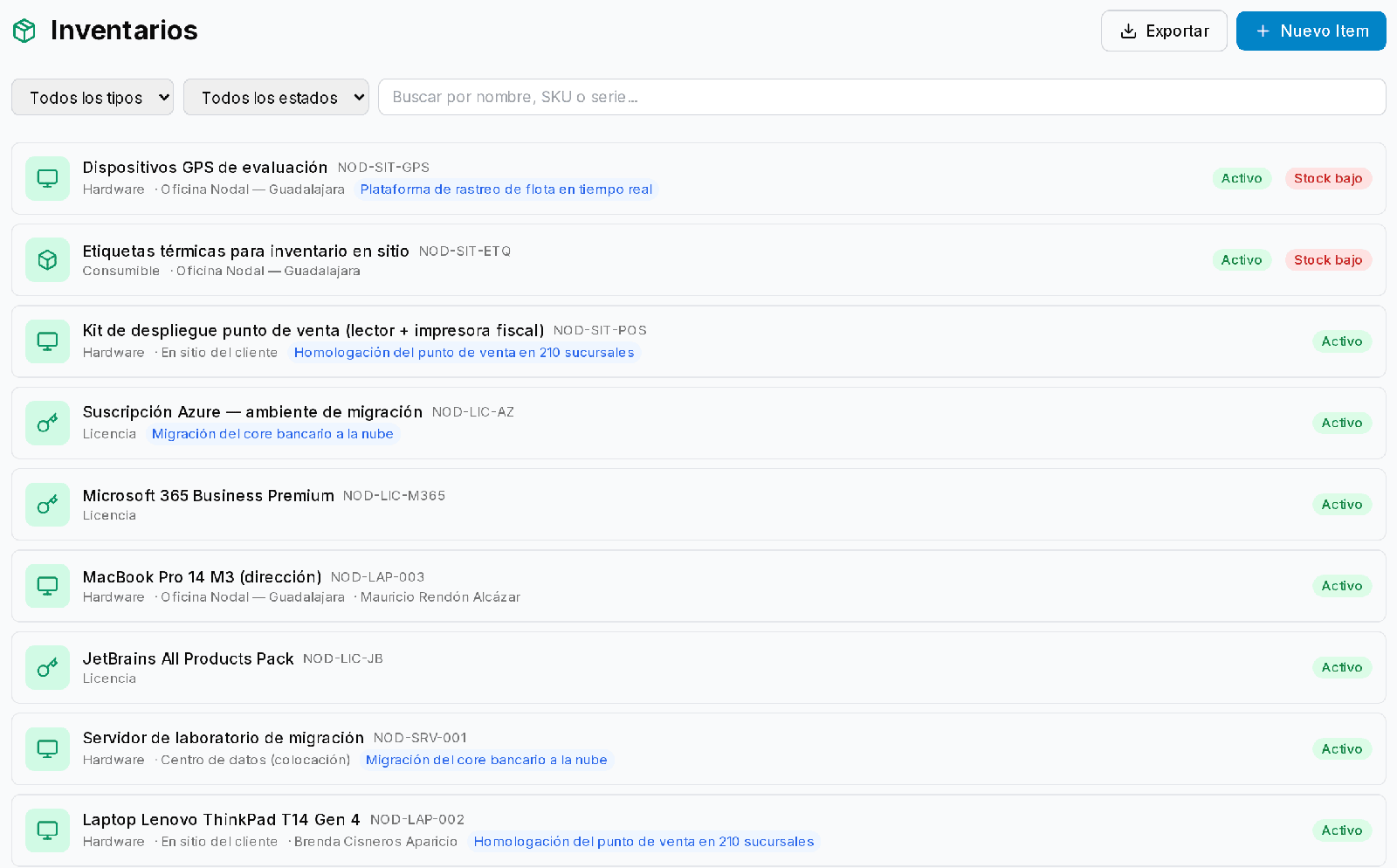
The Inventory module brings hardware, licenses and consumables together in one list, with their code, location, assigned person and the project they belong to; you can filter by type and status, search by name, SKU or serial number, and export. Whatever falls below its minimum is flagged as Low stock:
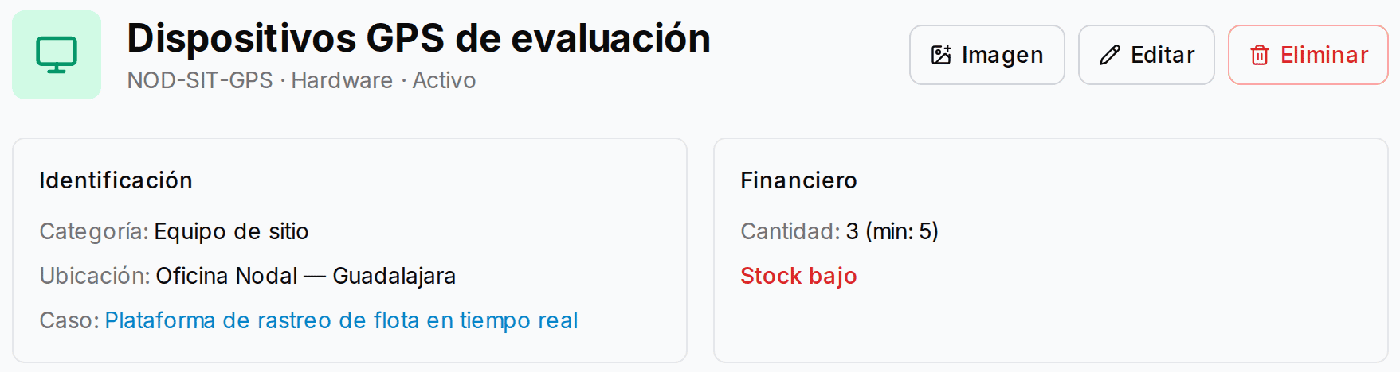
Each asset’s record holds its identification —category, location and the case or project it’s linked to— and the quantity against its minimum, plus a picture of the device:
¿Quieres ver Iurefficient en acción?
Agenda una demostración o empieza tu prueba gratuita hoy mismo.
Solicitar demo