Documenting in Markdown without fighting the formatting

How to write Markdown documents with rich text, diagrams and tables and hand them over as PDF or Word, using iureditor: a free app that connects to your Iurefficient instance.
Most firms document in Word out of habit, even though half of what they write is meeting notes, minutes, contract drafts and procedures that change every week. Markdown solves versioning, diffs and file portability, but it makes you live with symbols on screen. iureditor, a free open-source desktop app, tries to remove that friction: you write as in a word processor and the file on disk remains a normal .md.
1. Write in rich text, save in plain text
Typing #, - or ** instantly becomes a heading, a list or bold text. The file opens and saves unchanged, so any other tool (Git, a code editor, a colleague) reads it the same way. For a PMO that versions its procedures, this is what matters: the format is not trapped in the app.
2. Document flows with diagrams inside the same document
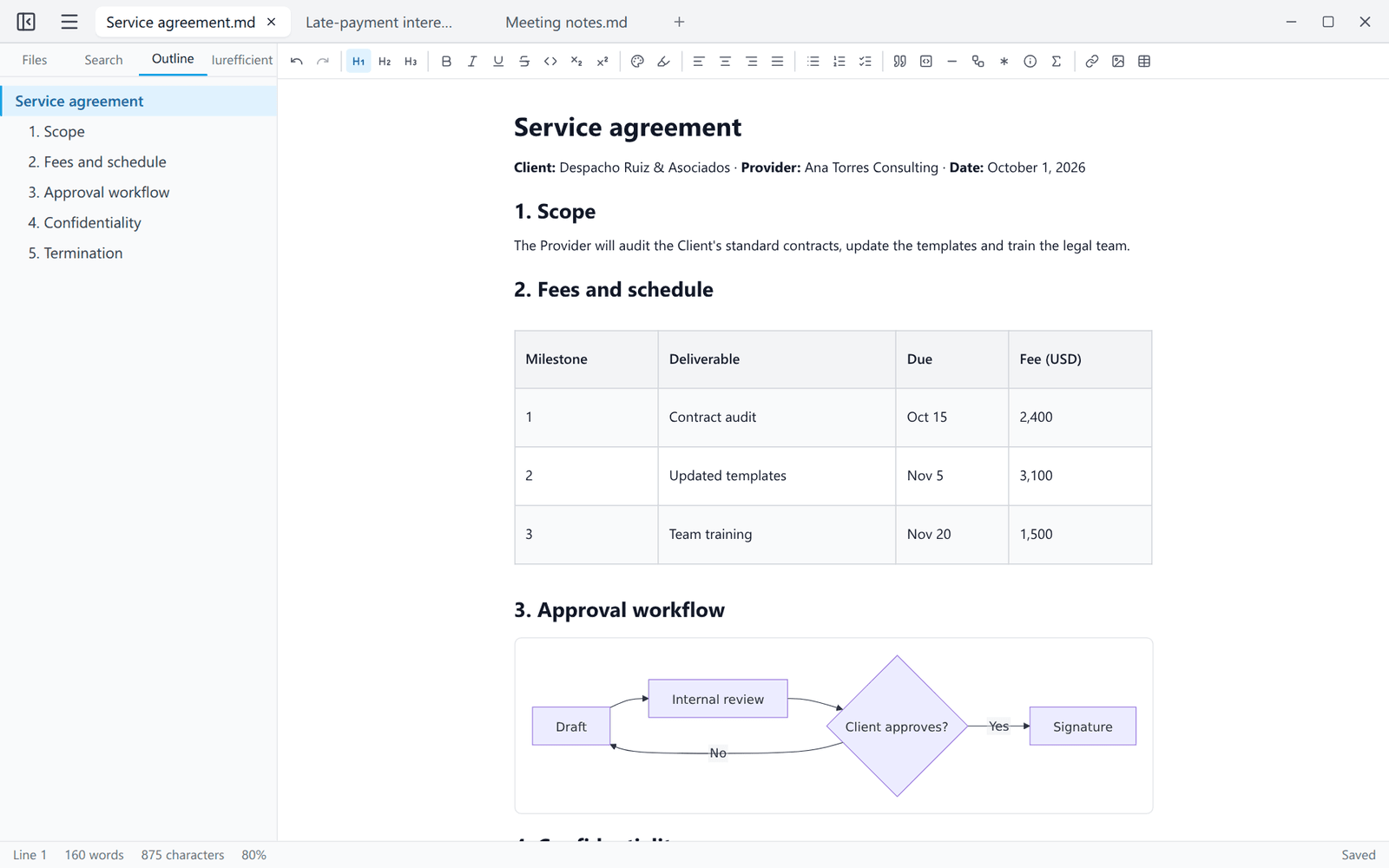
A ```mermaid block is drawn as a diagram while you write, with no separate preview pane. A contract approval or incident escalation flow lives next to its explanation, and when the process changes you edit the diagram code in place. Each diagram can be exported to SVG or PNG.
3. Use tables for what is a table
Fees per milestone, responsibility matrices, deliverable calendars: they are tables and should look like tables. The editor handles them visually and saves them as markdown. For block menus, just type /.
4. Deliver the document in the format the client asks for
Export covers PDF with selectable text and vector diagrams, DOCX that Word and LibreOffice open (with real footnotes) and self-contained HTML. You write once and hand over the format each recipient expects, without rebuilding the document by hand.
5. Work with several documents and templates
Tabs with their own undo history, a folder panel, a document outline, and find and replace that also works across a folder's files. Templates are .md files in a folder: a firm can keep its minutes, proposal or status report there and start from File → New from template.
6. Keep sensitive information on your machine
According to its README, documents are edited locally, with no account and no telemetry; the only optional connection is to your own Iurefficient instance, and passwords are kept in the operating system keychain. It also recovers unsaved work if the app closes unexpectedly.
Who it is not for
If your workflow needs tracked changes with review comments between several people on the same file, or elaborate page layouts, a word processor is still the right tool. And the installers are not code-signed yet: Windows may show SmartScreen and macOS may ask you to open the app with a right-click the first time. There are builds for Linux, Windows and macOS on the releases page; the code is at github.com/ellaguno/iureditor.
How it connects with Iurefficient
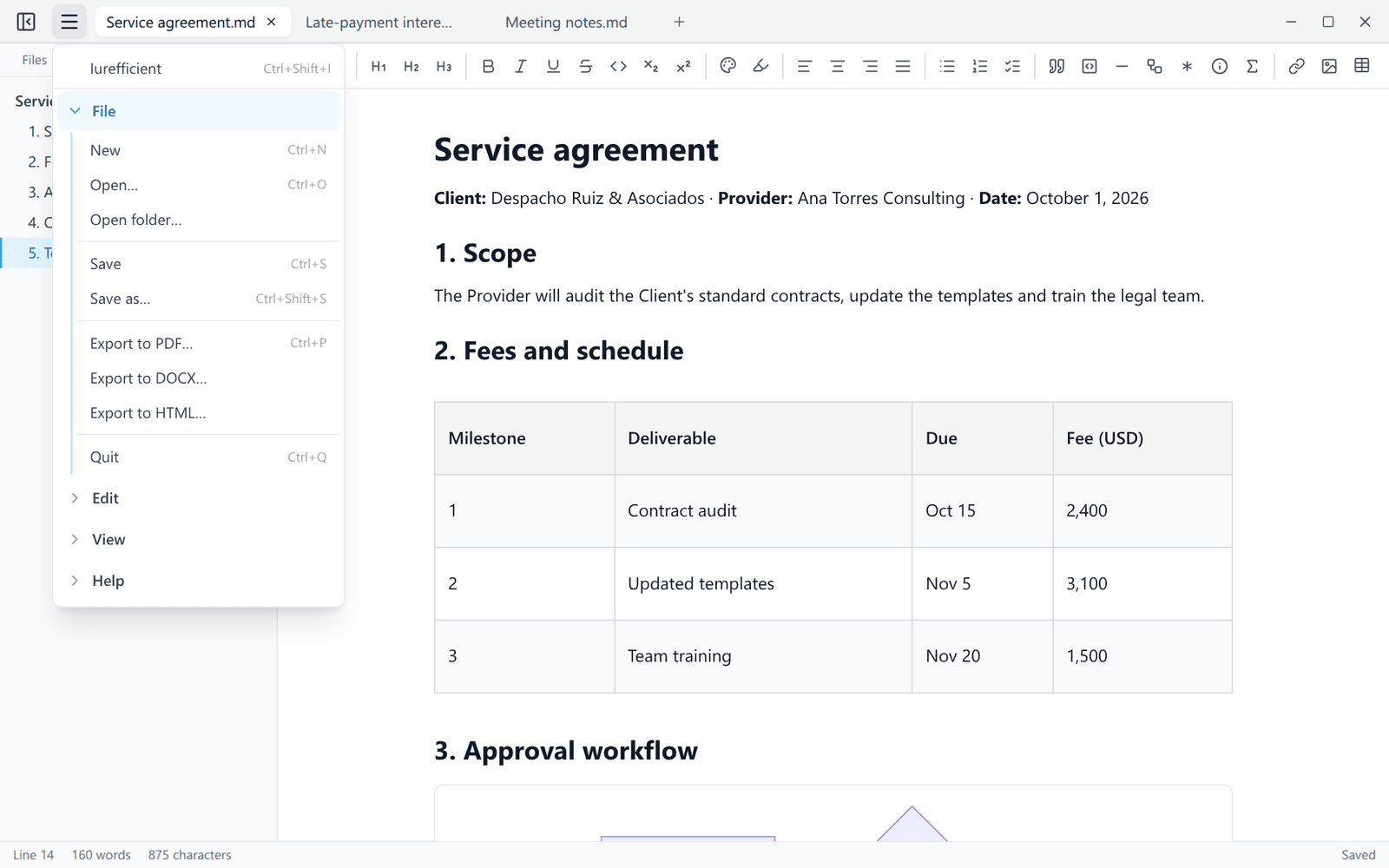
From the side panel (Ctrl+Shift+I) you can sign in to your Iurefficient instance, open documents from your projects, save one as a new document and upload new versions, on demand or on every Ctrl+S. The password is not stored; only the session, in the operating system keychain. The same panel lists the other desktop apps in the suite and whether they are installed.
¿Quieres ver Iurefficient en acción?
Agenda una demostración o empieza tu prueba gratuita hoy mismo.
Solicitar demo